KEEL
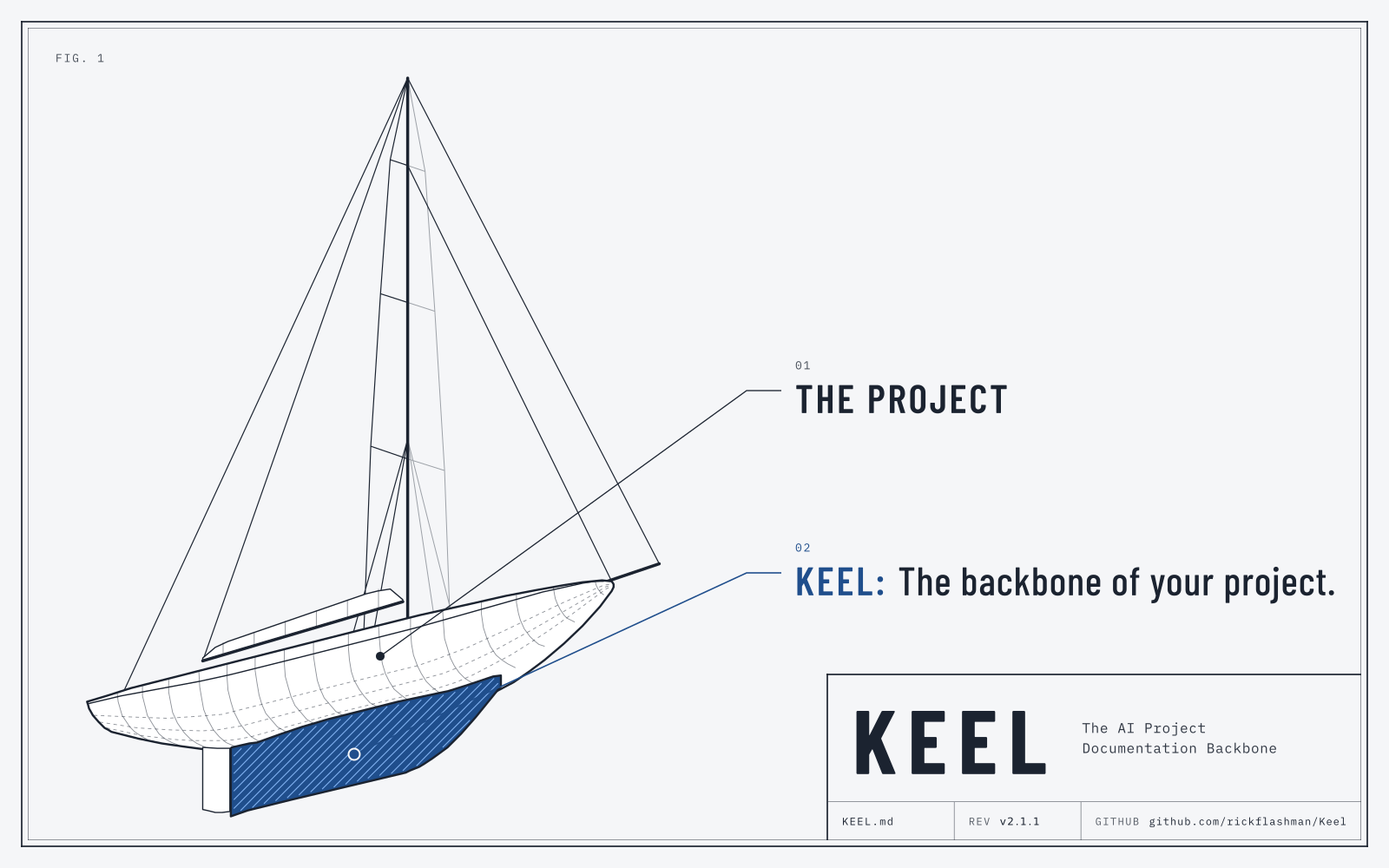
KEEL is a documentation and working standard for AI-developed projects. Like the keel of a ship, it keeps a project steady and on course when the AI tool, the AI model, or the developer changes.
It keeps the AI's work organized, supportable, and token-efficient, with a small set of documentation files and clear working rules.
What KEEL is
Purpose
KEEL defines the baseline documentation files, folder structure, and working rules for any AI-developed project. The docs, not the memory of one session, hold the requirements, the design, the plan, and the decisions. Any AI tool or developer can continue the work from them.
Who it is for
- Developers who build with AI. You use Claude Code, GitHub Copilot, Codex, or Cursor, and you want the same quality in every session: no lost memory, no drift, and no skipped requirements.
- Teams that pass work along. A project moves between people, tools, and phases, and each handoff starts where the last one stopped.
- Developers who come back later. You put a project aside for months, and when you return, the project explains itself.
- Owners of existing code. The docs are missing, old, or incomplete, and you want a correct picture before you change anything.
Main parts
The doc files
README, SPEC, ARCHITECTURE, PLAN, AGENTS, and a release checklist, plus optional files such as DESIGN and decision notes. Each file has 1 job.
The rules
Humans own the requirements. The AI keeps the docs current, never rewrites decisions, plans before code, tests progressively, and backs every claim with evidence.
The skill
The same standard, packaged as a set of skills. Install it once, and it works in every project without the KEEL.md file.
Getting started
KEEL works for new and existing projects. The AI asks for your approval before it changes any existing file.
- Download KEEL.md.
- Put KEEL.md in the root folder of your project.
- Tell your AI coding assistant:
Read KEEL.md and do what it says. - Answer its 3 questions: the tracker and ticket, the project name and description, and whether the project has a user interface.
- Review the files it creates, and accept or reject its proposals.
Use KEEL as a skill
KEEL is also packaged as 6 skills. Install them once, and they work in every project without the KEEL.md file. See how to install and use KEEL as a skill.
Summary
KEEL in 11 points. The Full standard has the details.
1 file sets up a project. Put KEEL.md in the root folder and tell the AI to follow it. It works for new and existing projects.
8 required files. Standard project files include README, SPEC, ARCHITECTURE, PLAN, AGENTS, and a release checklist. Projects with UIs include DESIGN.md, DESIGN-GUIDE.html, and a Simplified Technical English USER-GUIDE.md.
1 set of rules for every AI tool. AGENTS.md holds short rules, each with a reason. CLAUDE.md and copilot-instructions only point to it.
Humans own the requirements. The AI proposes changes to accepted SPEC and DESIGN text, and you accept or reject them.
The docs stay current. The AI updates the affected docs in the same task as the code.
Decisions are never rewritten. A new note supersedes the old one, so the history stays clear.
Risk sets the process. Each change is Small, Shared, or Release. A Shared or multi-file change starts only after you approve a short ready card, and it gets a fresh review.
Code that explains itself. No clever or compressed code. Every file and function has a comment, because each session starts without memory.
Test progressively. Each change runs only the tests it needs, and the area map says which tests those are. Only a release runs a full regression. A bug fix starts with a failing test.
Every claim carries evidence. Each task ends with a summary of what changed and what was tested. A check that did not run is never reported as passed.
Sessions hand off cleanly. A start routine and a close routine pass the work to the next session, tool, or developer. Teams also share a work board.
Full standard
The complete text of KEEL.md, loaded from GitHub, so it is always the newest version.
The standard loads when this section shows. You can also read it on GitHub.
As a Skill
The same standard, packaged as 6 skills. Install them once at user level, and they work in every project without the KEEL.md file.
The 6 skills
| Skill | Task |
|---|---|
keel | General: looks at the project, chooses the path (new setup, migration, upgrade, or a switch from the KEEL.md file to the skill), and does it. |
keel-init | New setup from the templates, for a project with no docs yet. |
keel-upgrade | Migrates existing docs, upgrades an older KEEL version, or switches a project from the KEEL.md file to the skill. |
keel-check | Writes or runs the docs check script, and writes a drift report. On request: a cross-compare review or a docs cleanup. |
keel-as-built | The as-built review of existing code: area map, SPEC from the code, differences, and health. |
keel-interview | The SPEC interview: fills the gaps in SPEC.md as PROPOSED blocks. |
Install in Claude Code (plugin, with updates)
- Add the KEEL marketplace:
/plugin marketplace add rickflashman/keel - Install the plugin:
/plugin install keel@keel
Install in Codex, Cursor, GitHub Copilot, or Claude Code without the plugin
Use 1 of these 2 ways. Both install at user level, and both can update later.
With the skills CLI (needs Node.js):
npx skills add rickflashman/keel -gWith the install script (needs only git):
curl -fsSL https://raw.githubusercontent.com/rickflashman/keel/main/install.sh | shUse the skills
- In Claude Code with the plugin, call a skill as
/keel:keel,/keel:keel-init,/keel:keel-upgrade,/keel:keel-check,/keel:keel-as-built, or/keel:keel-interview. - In other tools, call a skill by its name, such as
/keel-init, or ask for it in words. - Open any project and start with
/keel:keel(or/keel). It chooses the right path for the project. - In Claude Code,
keel,keel-init, andkeel-upgraderun only when you call them, because they create or change many files; the other 3 can also start on their own when a request matches. Other tools may start any of the 6 skills on their own when a request matches.
A few prompts to try in a KEEL project:
- "Run a drift report."
- "Interview me about the gaps in the spec."
- "I'm closing this session. Run the close routine."
For updates, other options, and the newest steps, see the README on GitHub.
Tips
Practical tips for working with KEEL and your AI coding assistant.
Start it simple. Say "Read KEEL.md and do what it says." The AI checks the project and chooses the correct setup path.
Decide proposals as a set. Say "accept all PROPOSED blocks in SPEC.md" to accept many proposals at once.
Close every session. Before leaving the session or doing a
/compactor/clear, say "run the close routine" or "do a handoff", so nothing important is lost.Add a rule only after a real mistake. Give it a weight (Must, Never, or Prefer) and a short reason (context helps). The AI follows a rule that it understands.
Keep AGENTS.md short. At most 120 lines and 1,200 words. If the AI asks a question that the file already answers, the file may be too long.
Fill the gaps in the SPEC. Run the SPEC interview. The AI asks a few questions at a time and writes your answers as proposals.
Document existing code. For existing code, ask for an as-built review. It lists the features, maps the code, and changes no code. You can ask for it more than once.
Ask for a drift report before a release. It finds requirements with no code, code with no requirements, and criteria with no test.
Never accept a weakened test. The AI must report a failing test and its cause. It must not skip or change the test to make it pass. Challenge it.
Supports multiple developers. Tell it who is working on the project and to keep separate handoffs for each; keeps you organized and separated.
Occasional clean up. Periodically, have it scan all documents to resolve inconsistencies, remove unnecessary history, and fix cross-links.
About
KEEL is written and maintained by Rick Flashman. It was formerly the AI Project Documentation Standard.
Questions or feedback: [email protected]
Source and issues: github.com/rickflashman/keel
Current version: see KEEL.md on GitHub.